Modern Media Wall Ideas for a Stylish Living Room
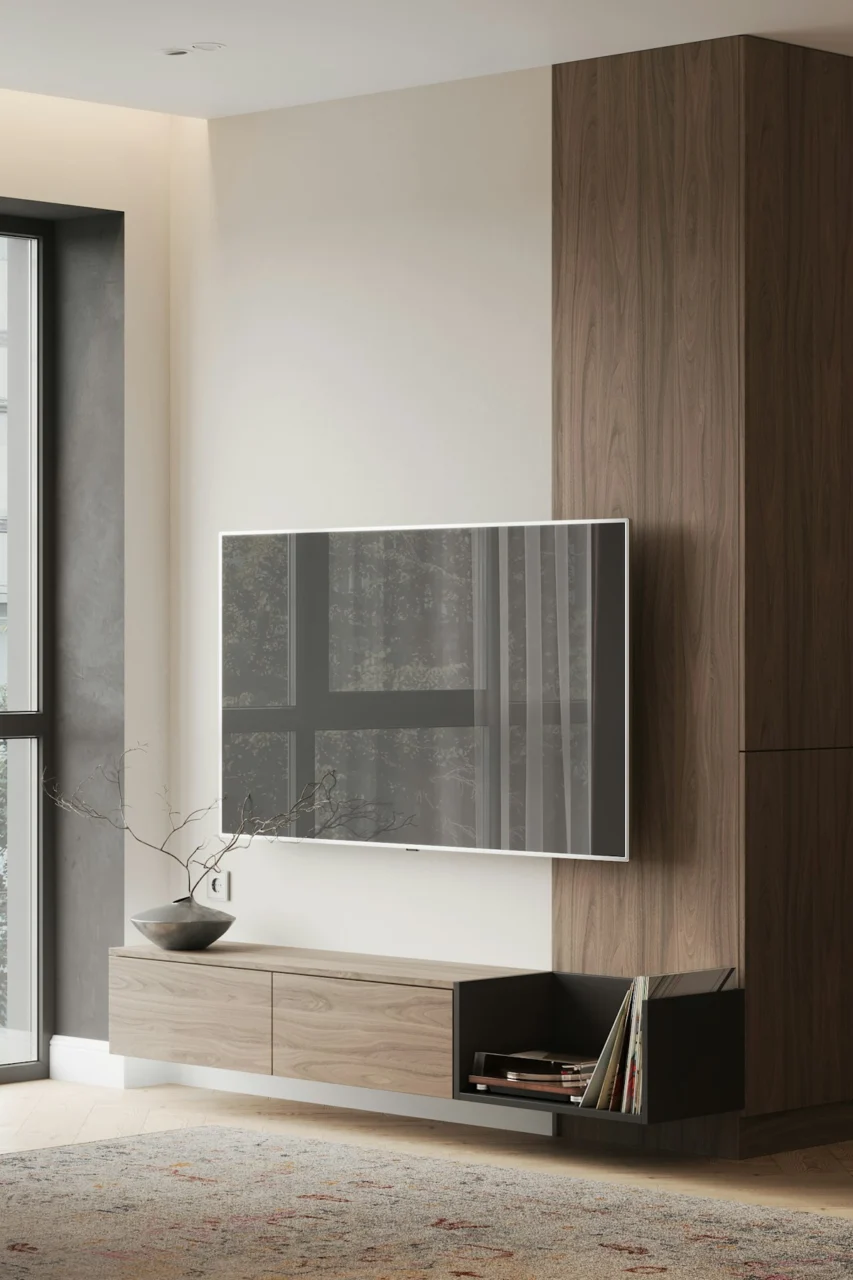
Ever walked into a living room where the TV feels like an afterthought rather than the centerpiece? It happens when the media wall is tacked on without thought, leaving the space feeling disjointed. Below you’ll discover seven fresh ways to turn that blank wall into a modern media wall that feels intentional, organized, and undeniably stylish. Each idea balances aesthetics with practicality, so you can pick the one that fits your budget, skill level, and overall design vibe.
1. Frame the Focal Point With Minimalist Shelving
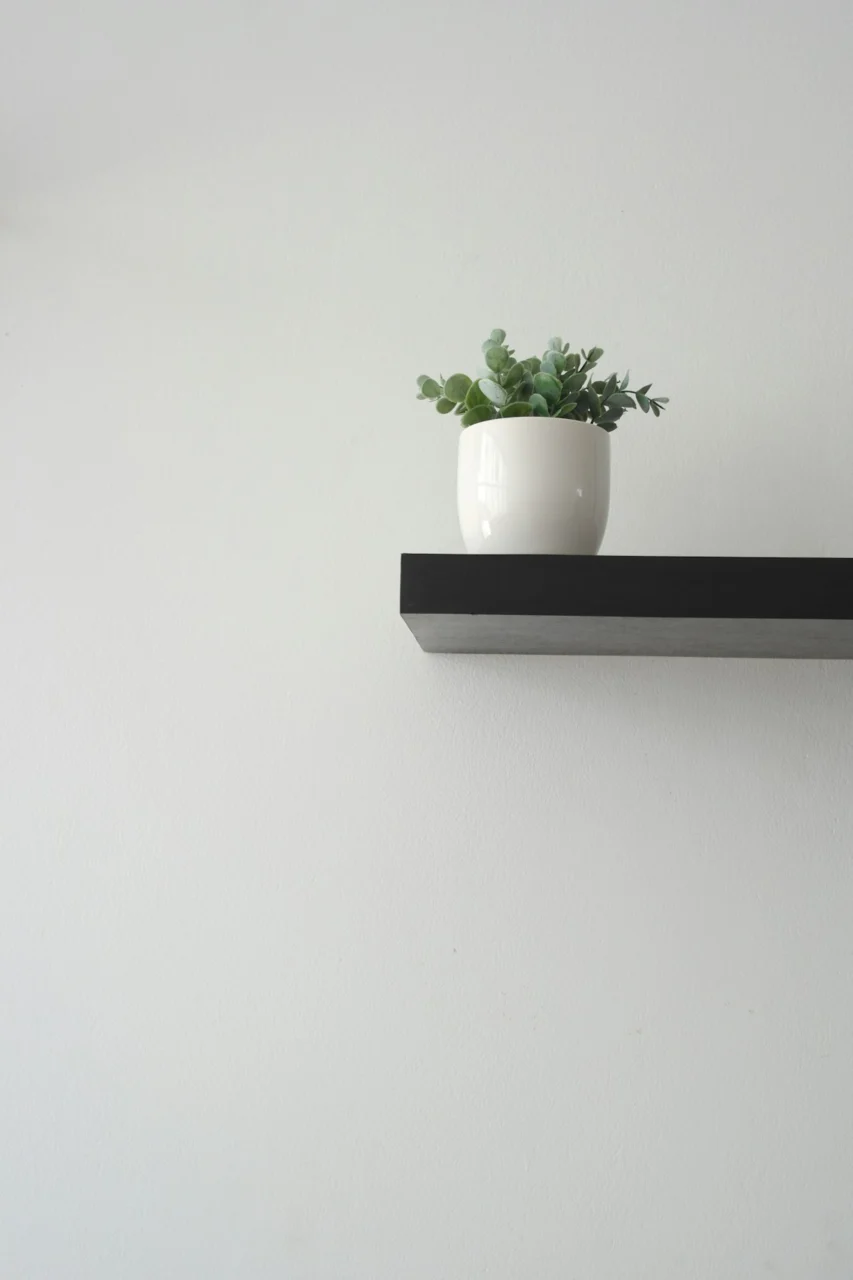
Photo by Alondra Lucia on Unsplash
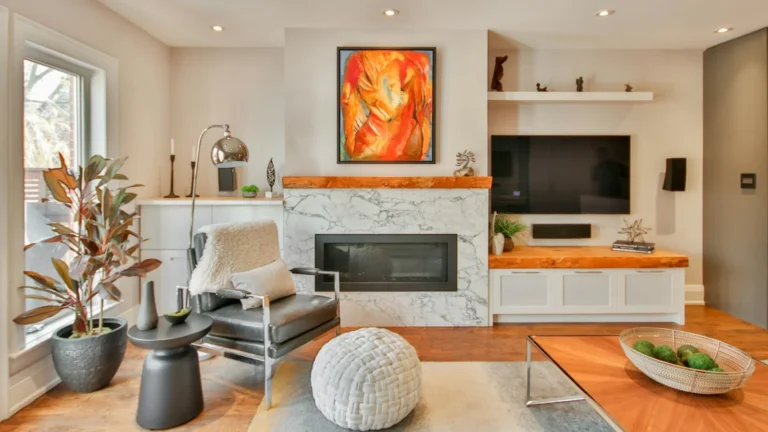
Simple floating shelves on either side of the screen give the TV a built‑in look without the bulk of a full wall unit. Choose a narrow profile in a finish that matches your existing trim—white, matte black, or warm walnut are safe bets. The shelves become display zones for books, small plants, or curated décor, adding depth without overwhelming the room.
Why It Works
- Visual balance: Symmetrical shelving anchors the TV and creates a tidy silhouette.
- Flexibility: Shelves can be rearranged or swapped as your collection evolves.
- Cost‑effective: Prefabricated floating shelves are often under $100 per pair.
Tips to Nail It
- Space the shelves about 6‑8 inches from the TV edges to avoid a cramped feel.
- Use brackets hidden inside the wall cavity for a true “floating” illusion.
- Limit décor to three items per shelf to keep the look airy.
2. Mix Media Formats on a Floating Panel
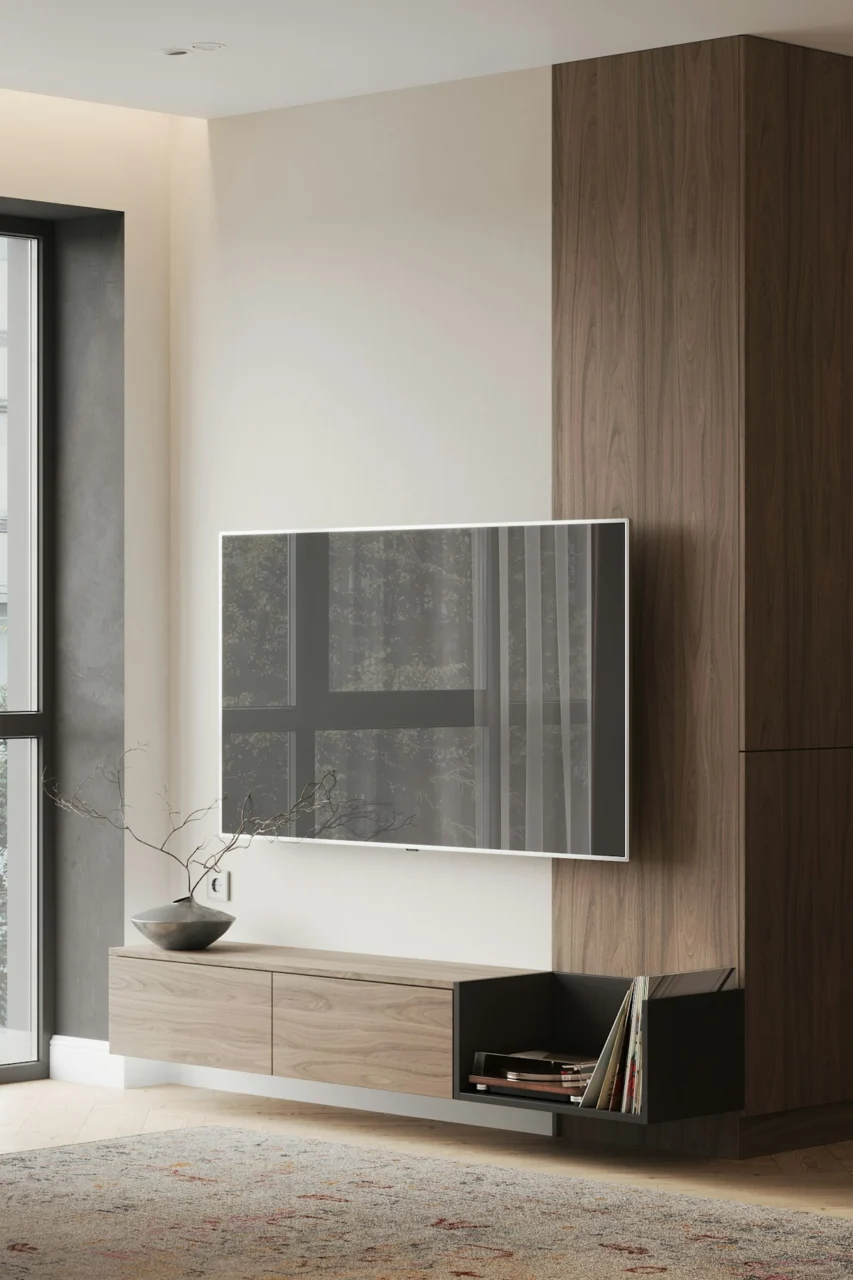
Photo by Prydumano Design on Unsplash
Instead of a single flat screen, consider a custom floating panel that houses a TV, a soundbar, and a slim media console. A single piece of engineered wood or MDF, painted to match the wall, can hold everything in a clean line. This approach eliminates the visual clutter of separate devices and keeps wiring tidy.
Key Benefits
- Streamlined silhouette: All components sit flush, preserving the room’s clean lines.
- Integrated storage: Hidden drawers can store remotes, gaming controllers, or HDMI cables.
- Easy upgrades: Swap out the TV or sound system without redoing the whole wall.
Practical Steps
- Measure the combined height of your TV and soundbar; add 2‑3 inches for ventilation.
- Choose a panel thickness of 1‑1.5 inches to avoid a bulky appearance.
- Install a small vent grille at the top for airflow—quiet but effective.
3. Add a Touch of Texture With Wood Slats
Vertical or horizontal wood slats bring warmth and a tactile element that softens the high‑tech vibe of a media wall. Reclaimed pine or bamboo slats can be spaced ½‑inch apart for a contemporary look. Paint them a muted charcoal or leave the natural finish for a Scandinavian feel.
Design Considerations
- Scale: For a 12‑ft wall, keep slat width under 2 inches to avoid visual heaviness.
- Acoustics: Wood helps dampen sound reflections, improving audio quality.
- Maintenance: Use a low‑sheen finish that wipes clean with a damp cloth.
Installation Quick‑Tips
- Use a level and a nail gun for even spacing; a spacer jig makes the job faster.
- Attach a thin backer board first, then mount the slats for added stability.
- Leave a small gap (about ¼‑inch) between the slats and the TV to prevent heat buildup.
4. Light It Up With Integrated LED Strips
Ambient lighting behind a TV creates a cinematic glow while reducing eye strain. LED strips that adhere to the back of the panel can be set to warm white for a cozy vibe or to a programmable color palette for a modern twist. Most strips come with a remote or app control, making adjustments effortless.
Advantages
- Mood setting: Soft backlighting adds depth and makes the room feel larger.
- Energy‑efficient: LEDs consume minimal power and generate little heat.
- Easy installation: Peel‑and‑stick strips require no wiring beyond a power outlet.
Best Practices
- Place the strip at least 2 inches from the TV edge to avoid glare on the screen.
- Choose a dimmable strip so you can lower brightness for movie nights.
- Run a short length of cord behind the wall for a clean look, using a cable cover if needed.
5. Hide Cables Behind a Concealed Raceway
Even the most stylish media wall can look sloppy when cables sprawl across the floor. A surface‑mount raceway painted to match the wall hides power cords, HDMI cables, and speaker wires without the hassle of opening the wall. It’s a DIY‑friendly solution that keeps the aesthetic sleek.
Why It’s Worth It
- Safety: Reduces tripping hazards, especially in homes with children or pets.
- Clean lines: Gives the illusion of a floating TV, reinforcing the modern feel.
- Future‑proof: Easy to add or replace cables as technology evolves.
Installation Guide
- Measure the total cable run; purchase a raceway slightly longer for flexibility.
- Cut the raceway with a fine‑toothed saw, then snap it together using the built‑in hinges.
- Secure with the supplied clips, then paint the exterior to blend with your wall.
6. Create a Gallery‑Style Display Around the TV
Turn the TV into part of an art wall by surrounding it with framed prints, photographs, or even woven wall hangings. Keep the frames uniform in size and color for cohesion, or mix them for an eclectic vibe—just ensure the TV remains the focal point.
Styling Tips
- Use a grid layout: three frames on each side and one above the TV for balance.
- Opt for matte frames to avoid glare that could reflect off the screen.
- Choose artwork that complements the room’s palette—blues and greys work well in a modern setting.
Practical Considerations
- Leave at least 2‑3 inches of clear space around the TV to prevent visual competition.
- Secure heavy frames with wall anchors rated for your wall type.
- Rotate artwork seasonally to keep the look fresh without major renovations.
7. Go Big With a Custom Built‑In
When you have the budget and space, a floor‑to‑ceiling built‑in unit can make a bold statement. Incorporate recessed shelving, a hidden TV compartment, and integrated lighting. This approach not only maximizes storage but also gives the room a custom, high‑end feel.
Factors to Weigh
- Cost: Custom millwork typically starts around $2,000 for a modest unit.
- Installation: Requires a professional carpenter and possibly an electrician for built‑in lighting.
- Future flexibility: Design the TV compartment with removable panels for easy upgrades.
Design Checklist
- Plan for ventilation: leave a ½‑inch gap behind the TV and include a low‑profile vent.
- Incorporate adjustable shelving to accommodate books, décor, or media equipment.
- Choose a finish that echoes other woodwork in the home for seamless integration.
Frequently Asked Questions
What height should my TV be mounted at?
Position the center of the screen at eye level when seated—typically 42‑48 inches from the floor, depending on your sofa height.
Can I install a media wall myself, or should I hire a professional?
Simple floating shelves, LED strips, and surface raceways are DIY‑friendly. For built‑ins, custom cabinetry, or any electrical work, hiring a qualified professional ensures safety and a polished finish.
How do I manage heat from a wall‑mounted TV?
Leave at least a 2‑inch clearance behind the TV for airflow, use a vented back panel, and avoid covering the area with heavy décor.
Is it okay to paint over a wall‑mounted TV?
Never paint directly on the TV. If you want a painted backdrop, install a removable panel or use a decorative frame that sits in front of the screen.
What’s the best way to hide speaker wires?
Run speaker cables through the same raceway used for power and HDMI cords, or opt for wireless speakers that sync with your TV via Bluetooth.
Final Thoughts
Creating a modern media wall that feels both functional and stylish doesn’t require a full remodel. Choose the idea that aligns with your budget, DIY confidence, and the overall vibe of your stylish living room. Start with a small change—like adding LED backlighting or a sleek floating shelf—and watch how quickly the space feels more cohesive. When you’re ready, layer on additional elements such as texture, gallery art, or even a custom built‑in. The result will be a media wall that not only showcases your entertainment tech but also enhances the room’s personality.