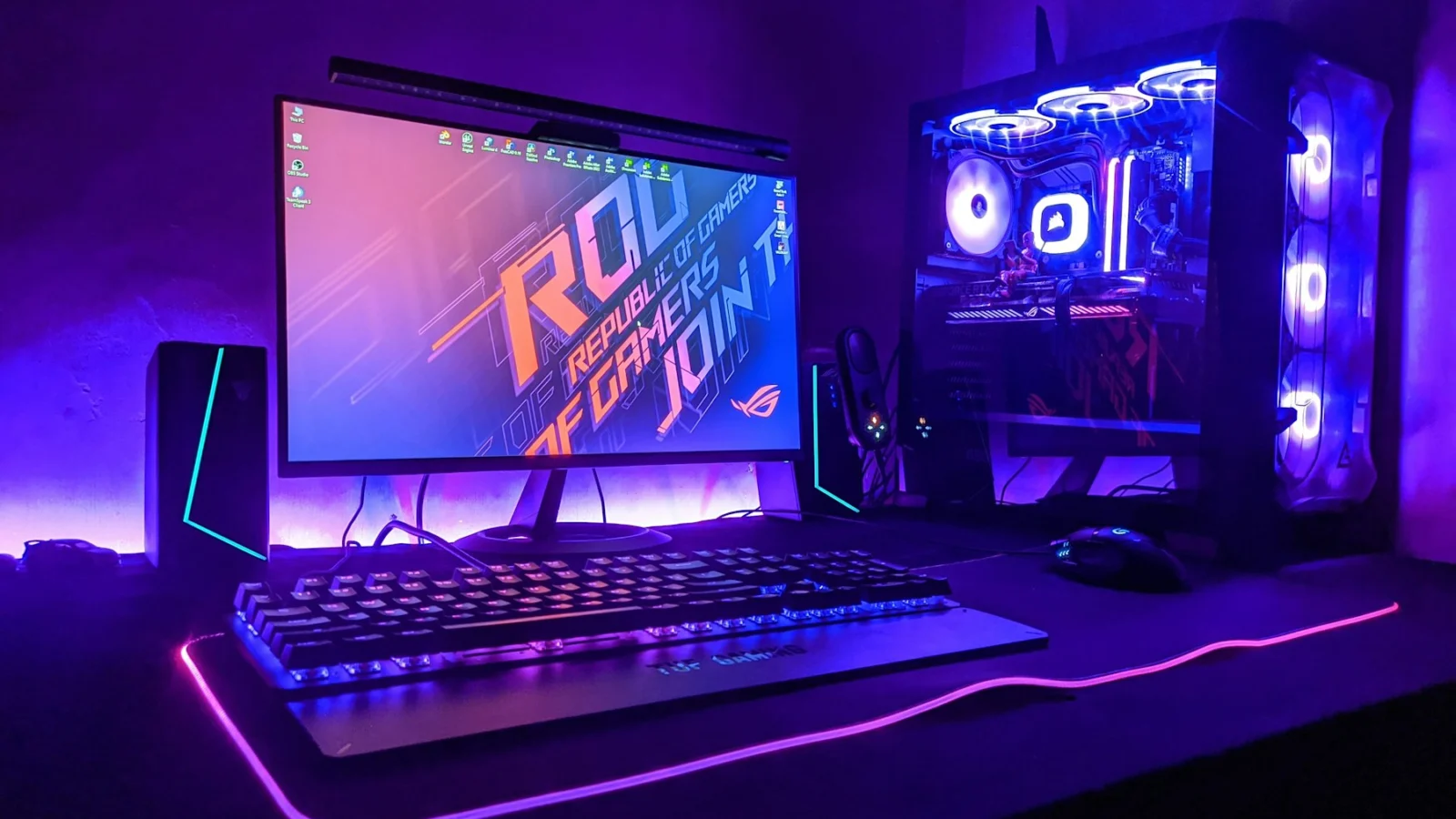
Streaming Setup Ideas for Gamers & Creators
Turning a spare bedroom or a corner of the living room into a place where you can game, record, and edit feels like a puzzle of style and function. The right blend of acoustic comfort, visual appeal, and ergonomic support can keep your audience engaged while you stay comfortable for those long sessions. Below are seven ideas that walk you through the most impactful choices, from wall treatment to flexible furniture, so you can build a space that looks good and works even better.
1. Layered Acoustic Solutions for Clear Sound
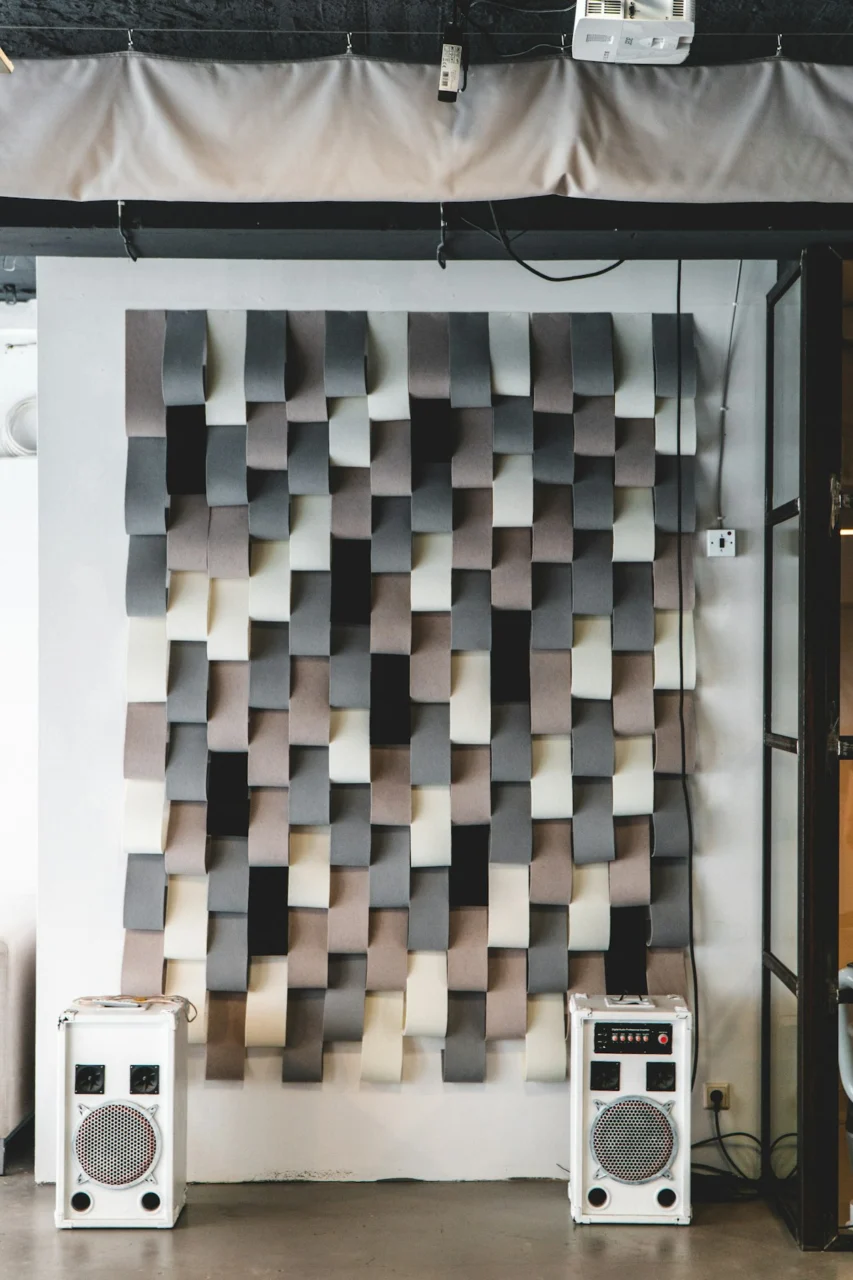
Photo by Jonathan Kemper on Unsplash
Hard surfaces bounce sound, creating echo that can distract viewers and make voice‑overs sound muddy. A practical first step is to add a combination of soft panels and diffusers that fit the room’s aesthetic. Acoustic foam in a subtle charcoal hue can be arranged in a staggered pattern behind the main camera, while a larger, fabric‑covered panel in a muted teal provides a visual focal point. The fabric not only softens reflections but also adds texture that complements a modern gaming chair. If the room has exposed brick, consider hanging a reclaimed wood shelf with books and decorative objects; the uneven surface helps scatter sound without looking like a studio.
Balancing absorption and diffusion is key. Too many absorptive panels can make the space feel dead, whereas only diffusers leave lingering reverberation. Test the setup by recording a short clip and listening for any echo. Adjust by adding a rug or a heavy curtain if the floor remains too reflective. This approach creates a professional‑sounding environment without sacrificing style.
2. Adjustable Lighting That Serves Both Mood and Visibility
Lighting influences how colors appear on screen and how comfortable your eyes feel during marathon streams. A three‑point system—key light, fill light, and backlight—offers control, but the fixtures themselves can double as décor. A matte‑black LED panel with a dimmer mounted on a swivel arm provides focused illumination for the face, while a warm‑toned floor lamp placed opposite adds gentle fill that reduces harsh shadows. For backlighting, a slim LED strip tucked behind the monitor creates a subtle halo that separates you from the background.
Choosing fixtures with interchangeable shades lets you shift from a cool, high‑contrast look for competitive gaming to a softer, amber glow for creative tutorials. Remember to position lights at a 45‑degree angle from the face to avoid glare on the screen. Adding a dimmable option means you can lower intensity when reading notes, preserving eye health. The result is a visually appealing space that adapts to the content you produce.
3. Curated Backgrounds That Reflect Your Brand
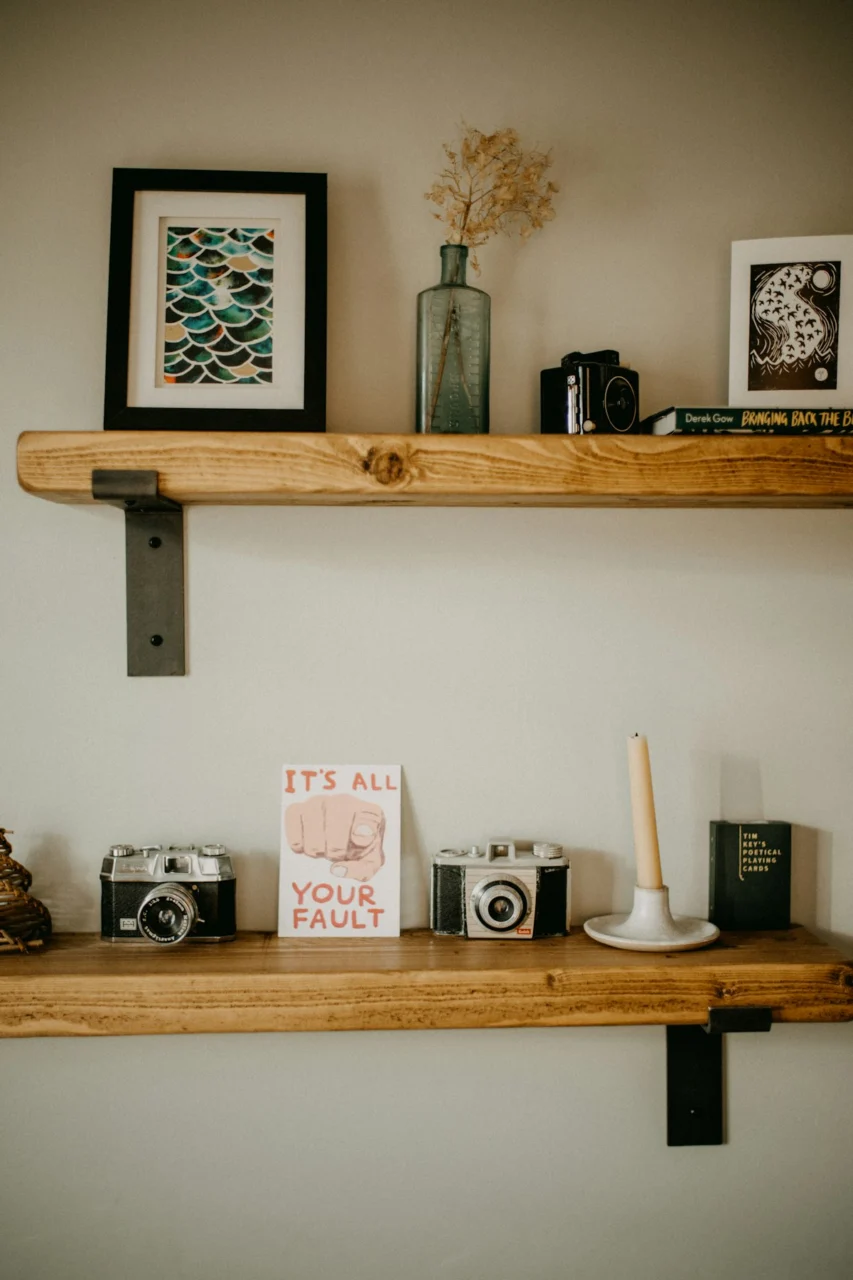
Photo by Annie Spratt on Unsplash
What viewers see behind you says as much about your personality as the games you play. Rather than a plain wall, consider a curated backdrop that tells a story without overwhelming the frame. A floating shelf painted in a soft dove gray can hold a few select items—a vintage controller, a framed print of a favorite game, or a small plant in a ceramic pot. The plant adds a touch of green that softens the tech‑heavy vibe, while the shelf’s clean lines keep the area tidy.
If space allows, a low‑profile wall-mounted credenza in walnut offers storage for cables, external drives, and décor. Keep the arrangement minimal; too many objects compete for attention. When you need a neutral background for a serious discussion, simply slide a portable fabric panel in front of the shelf. This flexibility lets you switch moods quickly while maintaining a cohesive look.
4. Ergonomic Furniture That Marries Comfort and Style
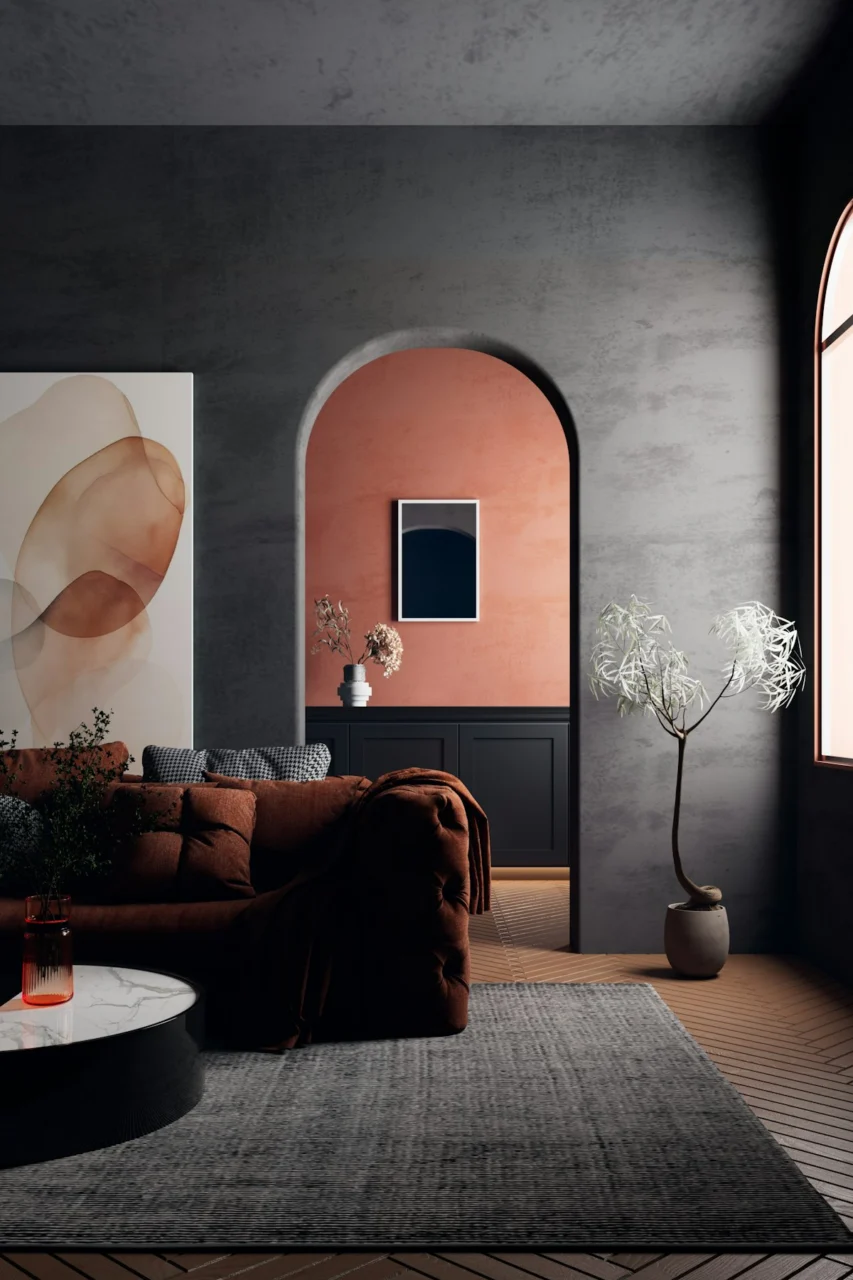
Long hours at a desk demand a chair that supports posture without looking like a hospital fixture. A gaming chair upholstered in breathable mesh with a dark navy finish offers the needed lumbar support while blending with most color palettes. Pair it with a desk that features a live‑edge wood top; the natural grain adds warmth and contrasts nicely with the sleek metal legs. A desk with a built‑in cable tray keeps power cords hidden, reducing visual clutter.
Consider a monitor arm that lifts the screen to eye level, freeing up desk space for a mechanical keyboard and a mouse pad with a subtle geometric pattern. The arm’s sleek aluminum finish mirrors the chair’s accents, creating visual harmony. When you need to step away, the chair’s tilt lock lets you recline safely, preventing strain. Investing in pieces that feel as good as they look pays off in both health and audience perception.
5. Integrated Cable Management for a Clean Look
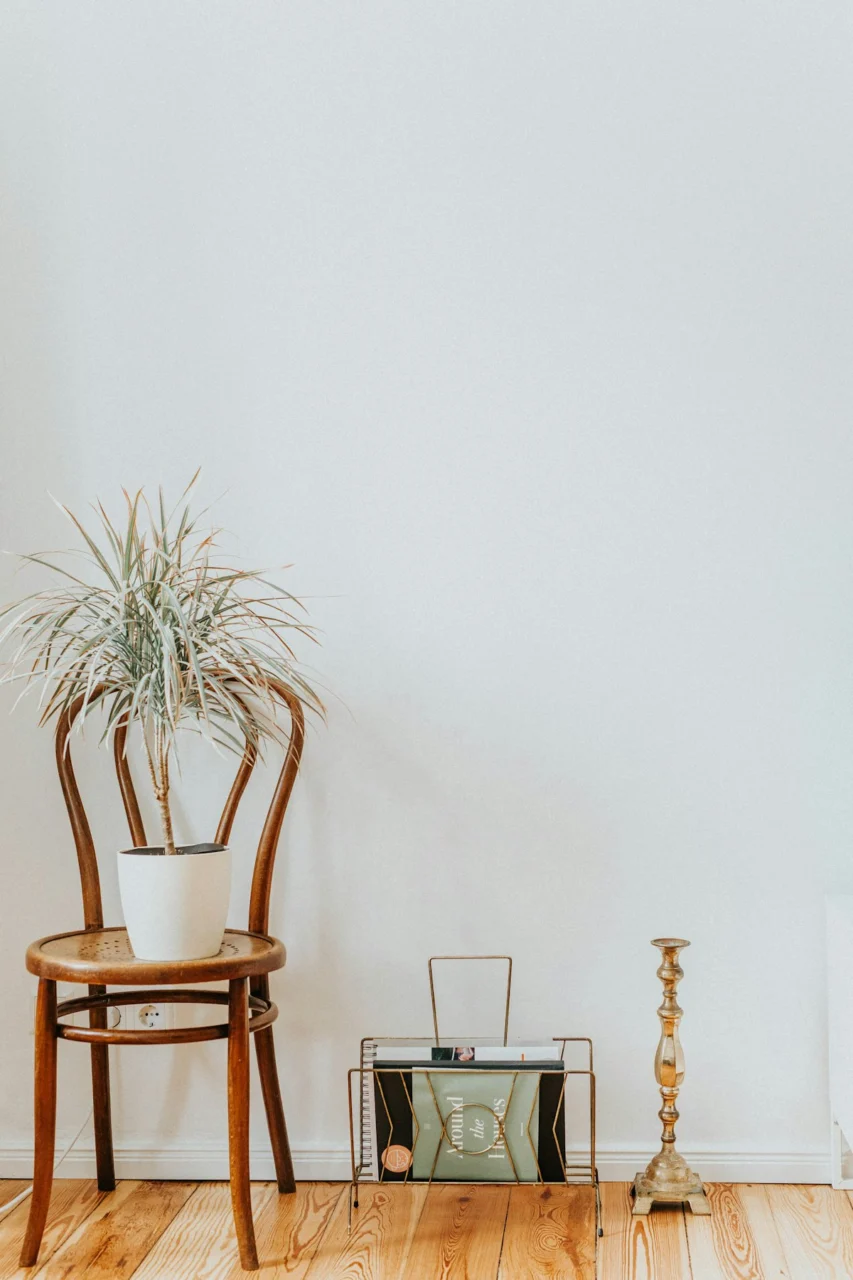
Photo by Liana Mikah on Unsplash
Exposed cords can turn an otherwise polished setup into a tangled mess. Concealing them starts with a simple raceway that runs along the baseboard, painted to match the wall color. From there, cables can be guided into a wall‑mounted power strip that sits behind the desk. Use Velcro straps in a neutral shade to bundle excess length, keeping the cords tight without damaging them.
If the room has a built‑in bookshelf, drill a discreet hole at the back panel to route power and data lines through. This keeps the front of the shelf free for decorative items. For a more decorative approach, a woven cable cover in a muted sand tone can be draped along the floor, doubling as a visual element that ties the room’s textures together. Thoughtful cable management not only looks professional but also reduces the risk of accidental unplugging during a live broadcast.
6. Multi‑Purpose Zones That Adapt to Different Activities
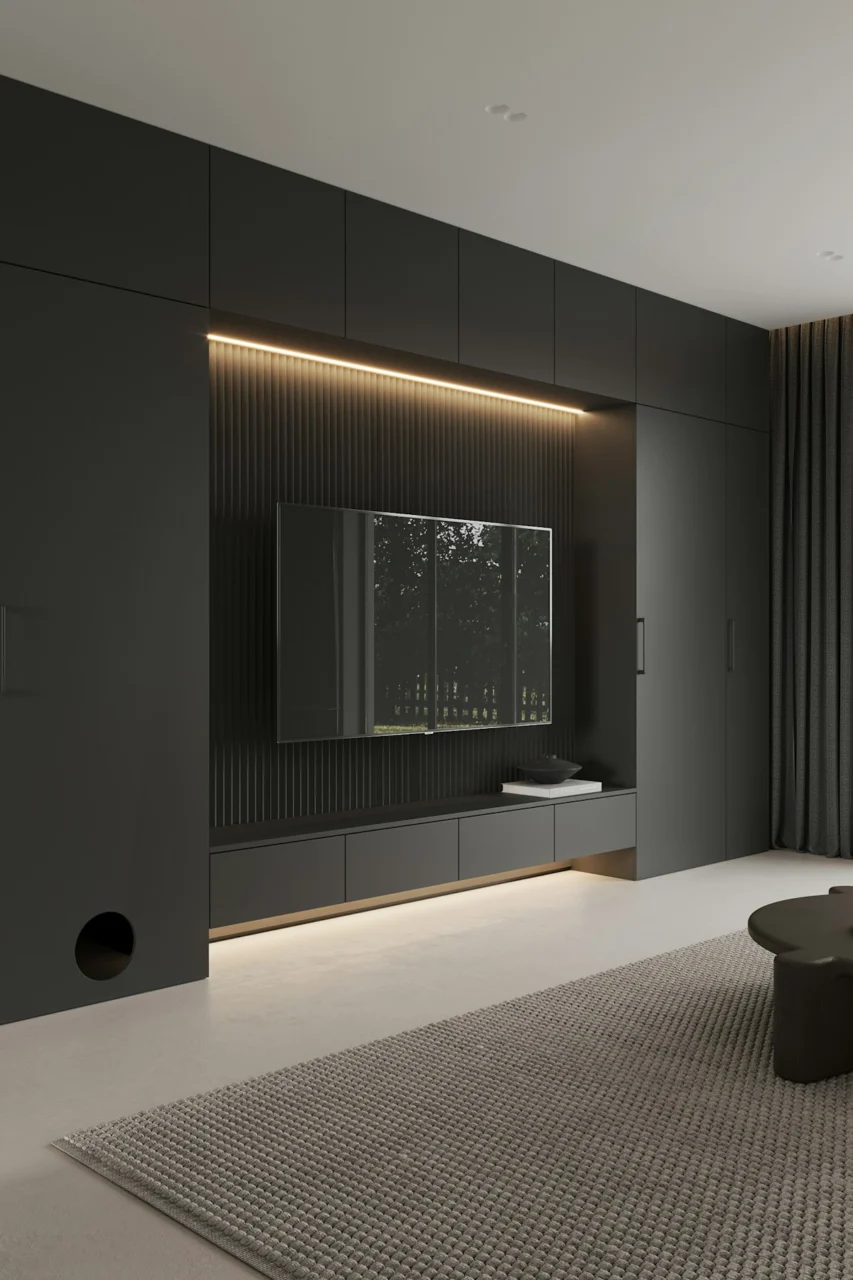
Photo by Prydumano Design on Unsplash
Many creators share a room with other household functions, so designing zones that shift between gaming, editing, and relaxation can extend the usefulness of the space. A modular rug in a low‑pile, charcoal weave defines the streaming area while providing a soft surface for standing breaks. On the opposite side, a compact sofa in a muted olive fabric offers a place to review footage or host a guest.
Use a rolling storage cart with drawers for accessories such as headphones, microphones, and lighting kits. When you need the cart for a shoot, simply wheel it into view; when you’re editing, slide it out of the way to free up floor space. This fluid arrangement ensures the room feels open and organized, regardless of the task at hand.
7. Personal Touches That Keep the Space Inviting
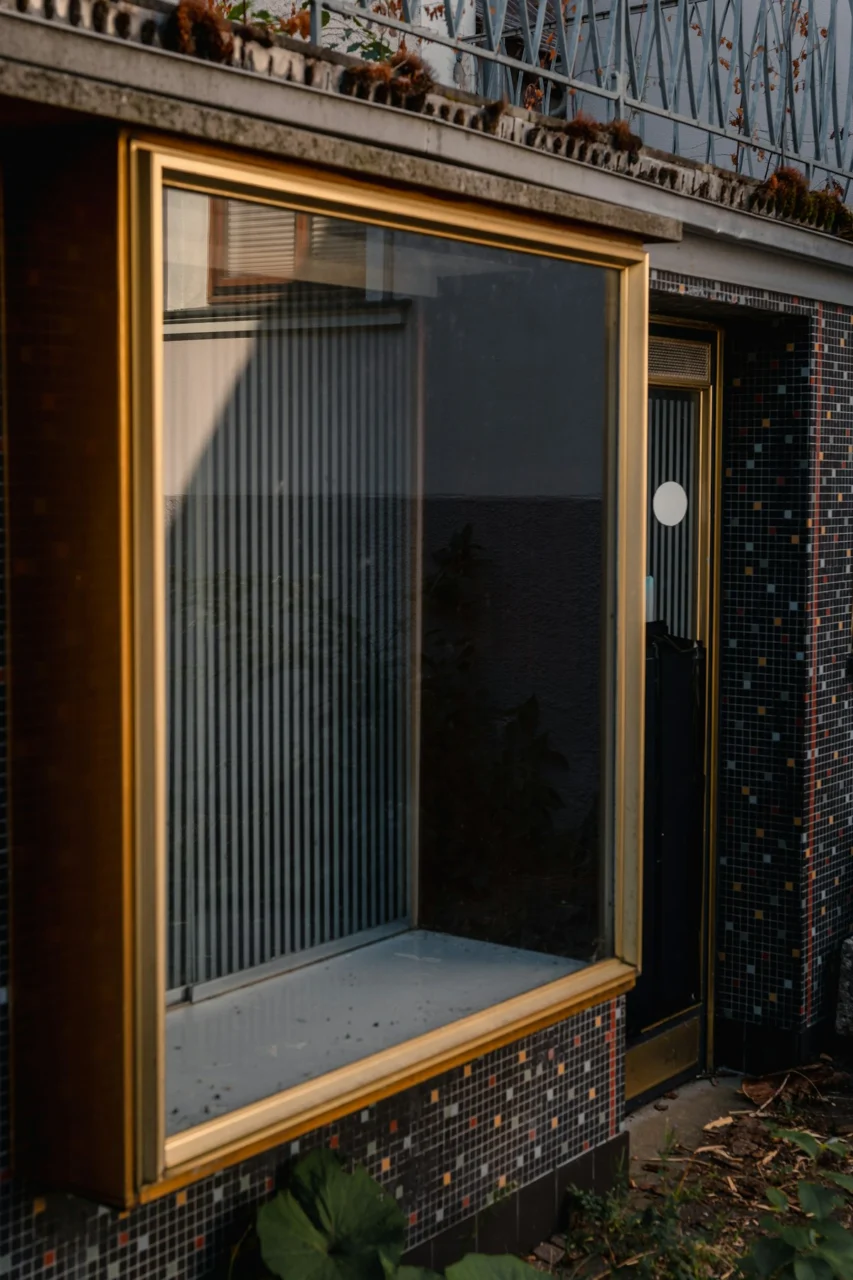
Photo by Emanuel Haas on Unsplash
Even a high‑tech environment benefits from elements that make it feel lived‑in. A small gallery wall featuring prints of classic game covers, framed in brushed brass, adds a subtle nod to your interests. Pair this with a set of matte black storage bins that hide spare controllers and cables, keeping the floor tidy.
When choosing decorative items, prioritize durability; a glass figurine may look sleek but can become a hazard in a cramped corner. Opt instead for a ceramic vase with a matte finish that can hold a fresh sprig of rosemary or lavender, offering a faint scent that freshens the air during long streams. These personal details humanize the backdrop, making viewers feel more connected to the creator behind the screen.
FAQ
How can I improve sound quality without spending a lot?
Start with a few affordable foam panels and a thick rug to tame echoes. Position the panels behind your microphone and use the rug to absorb floor reflections. This low‑cost approach can noticeably clean up your audio.
What lighting temperature works best for video?
A neutral white light around 4,500 K provides accurate color rendering for most cameras. Adjust the temperature slightly warmer for a relaxed feel or cooler for a high‑energy look, but keep the balance consistent across all light sources.
Is a standing desk practical for streaming?
A standing desk can reduce fatigue, especially during editing sessions. Choose a model with a smooth height‑adjust mechanism and keep a supportive anti‑fatigue mat nearby to protect your feet.
How do I keep the background from looking cluttered?
Select a few meaningful items and give them space to breathe. Use storage solutions that hide excess gear, and rotate decorative pieces based on the content you’re producing.
Can I use a regular office chair instead of a gaming chair?
A well‑adjusted ergonomic office chair works fine if it offers lumbar support and adjustable armrests. Pair it with a desk that has a cable management system to maintain a tidy appearance.

Final Thoughts
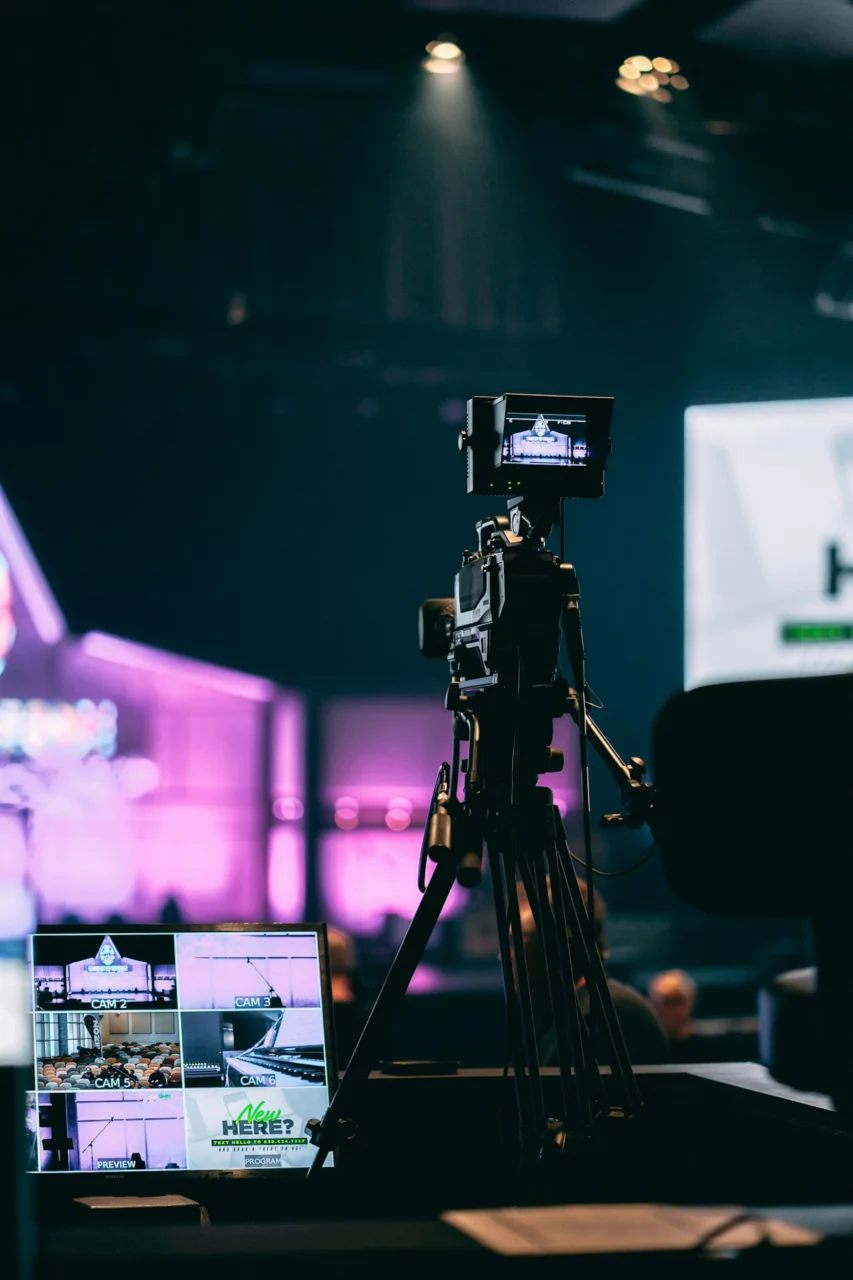
Photo by Joshua Hanson on Unsplash
Designing a streaming space is a blend of acoustics, lighting, furniture, and personality. By treating each element as part of a cohesive whole, you create an environment that supports both performance and comfort. Small adjustments—like adding a rug, fine‑tuning light angles, or hiding cables—can have a big impact on how you look and sound on camera. As you experiment, remember that the best setup is the one that feels natural to you while presenting a polished backdrop for your audience.